Album Glow
Put your artwork first
Keep your cover in focus while a soft glow and compact spectrum follow the music. A warm setting for a single, R&B track or melodic release.
Velvet Afterglow

MP3, WAV, M4A · 100 MB · 10 seconds to 10 minutes
Choose a clip from 10 seconds to 10 minutes.
Turn your track into a Magma music visualizer with layered molten contours, flying particles, and a concert backdrop. Add your artwork and export an MP4 with your music.
Magma for a strong beat
Bass expands the layered contour while drum attacks accelerate the particles. Try it with electronic, dance, or bass-heavy music.
Your music in the final file
The MP4 includes the original audio passage you select in the maker.
A frame for every release
Choose landscape, portrait, or square before creating the video.
Compare five visual directions: artwork, spectrum, vinyl, cinematic cover and Neon Club Tunnel. Each video uses its own original soundtrack. Choose the mood, then try your music in the maker.
Album Glow
Keep your cover in focus while a soft glow and compact spectrum follow the music. A warm setting for a single, R&B track or melodic release.
Velvet Afterglow
Prism Spectrum
Bright spectrum bars and mirrored light make the rhythm visible. Let the music drive the scene for electronic tracks, dance beats and energetic instrumentals.
Prismatic Rush
Vinyl Session
A spinning record, sleeve artwork and reactive level meter frame the song. Give jazz, lo-fi or soulful tracks a relaxed, tactile feel.
Sunday Static
Cinematic Cover
A full-screen cover drifts slowly with restrained film grain, light leak and large type. No spectrum or bouncing bars — a release-grade frame for pop, R&B, rap and K-pop singles.
Midnight Carrier
Neon Club Tunnel
A perspective neon tunnel pulses forward with every kick and bass hit in Phonk dark red or EDM cyan-purple. Built for high-energy electronic, club and phonk tracks.
Chrome Horizon
A new single, a beat preview, or a podcast highlight: choose the moment you want to share and give it a look that fits the platform.

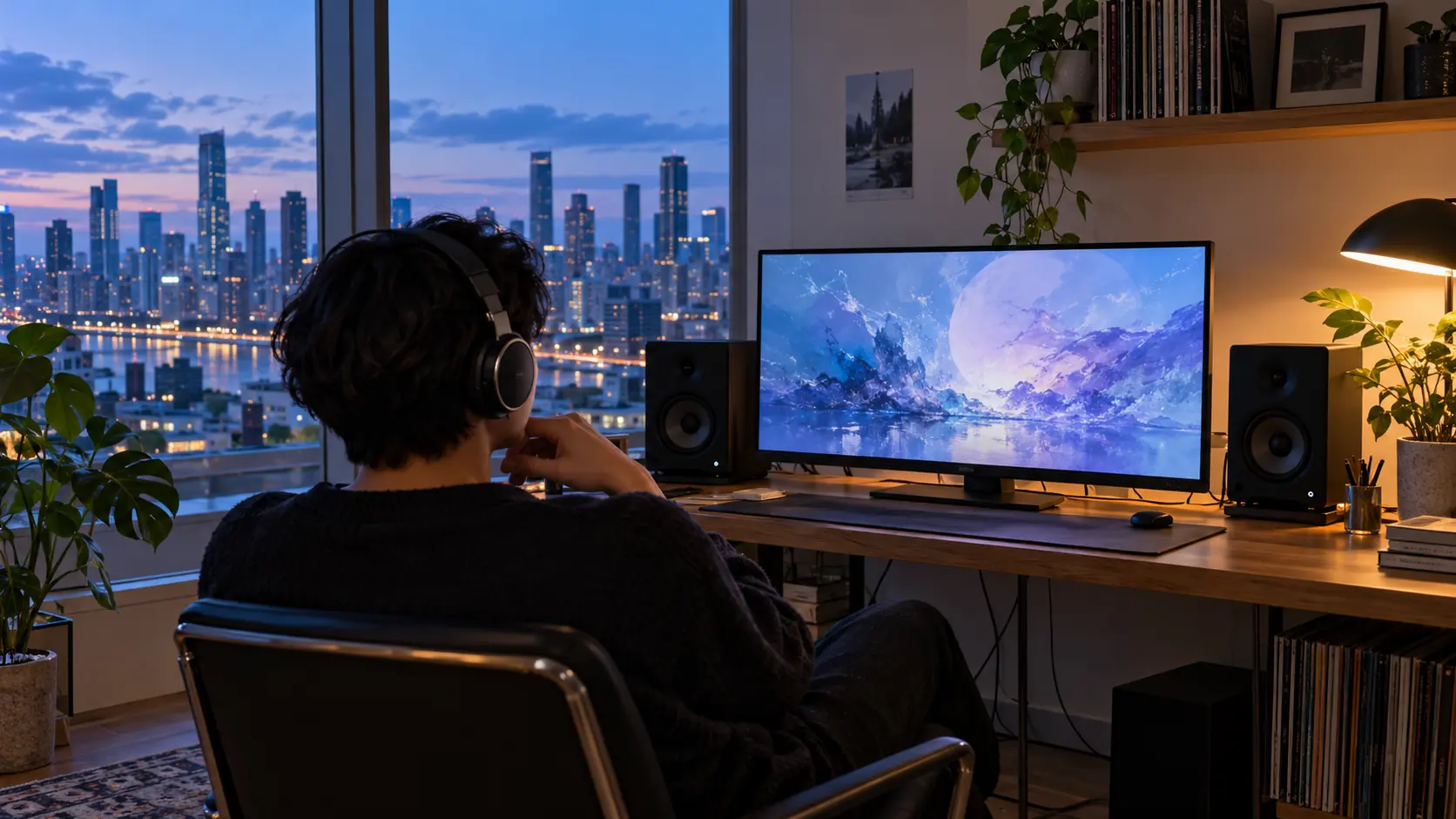
TikTok & Shorts
Turn a chorus or drop into a vertical teaser. Keep the title short so listeners can read it on a phone.
9:16A first taste of your next release
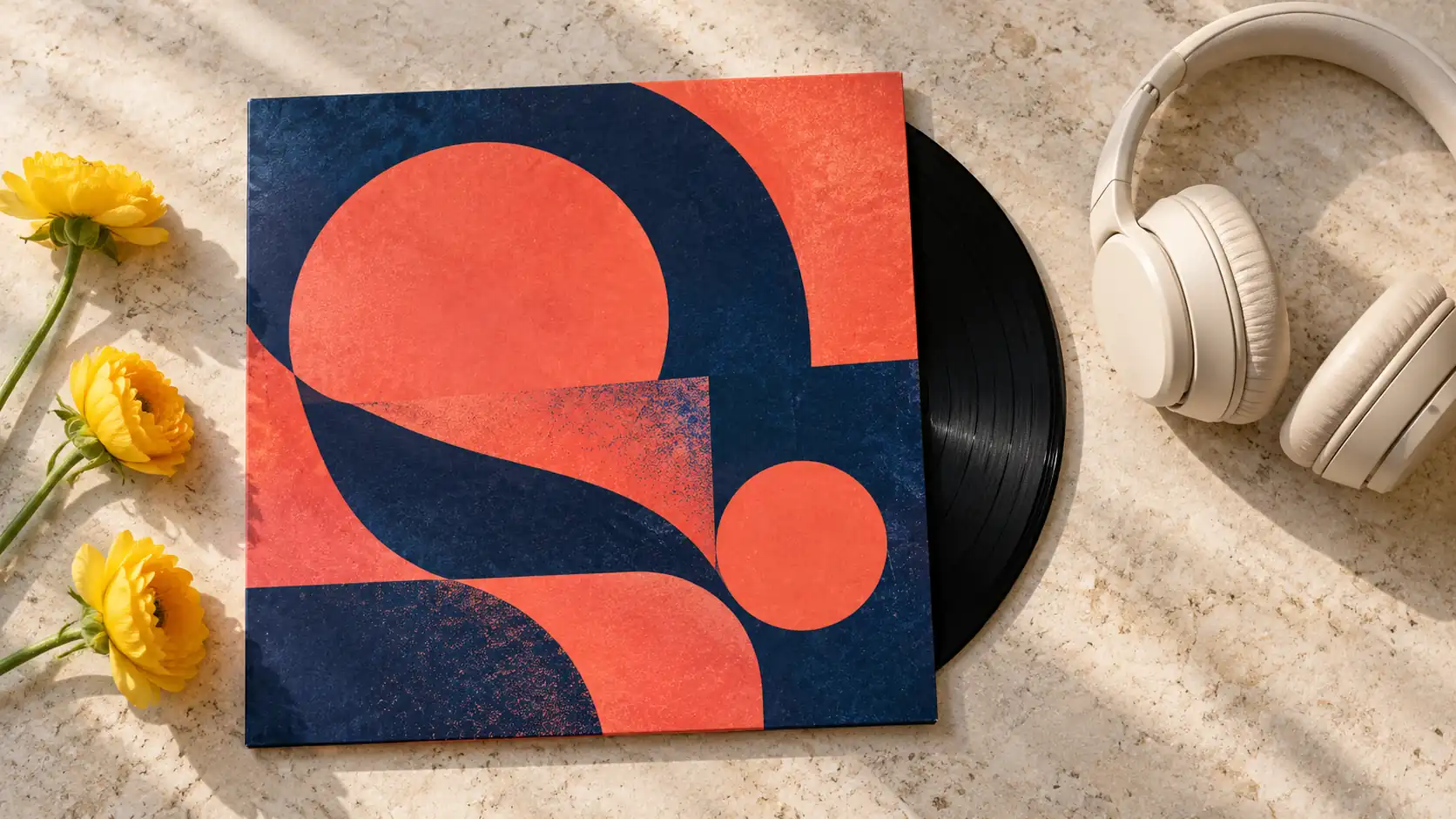
YouTube
Pair your cover with a longer passage for your music channel. Your song stays the focus without a filmed performance.
16:9A video for your new single
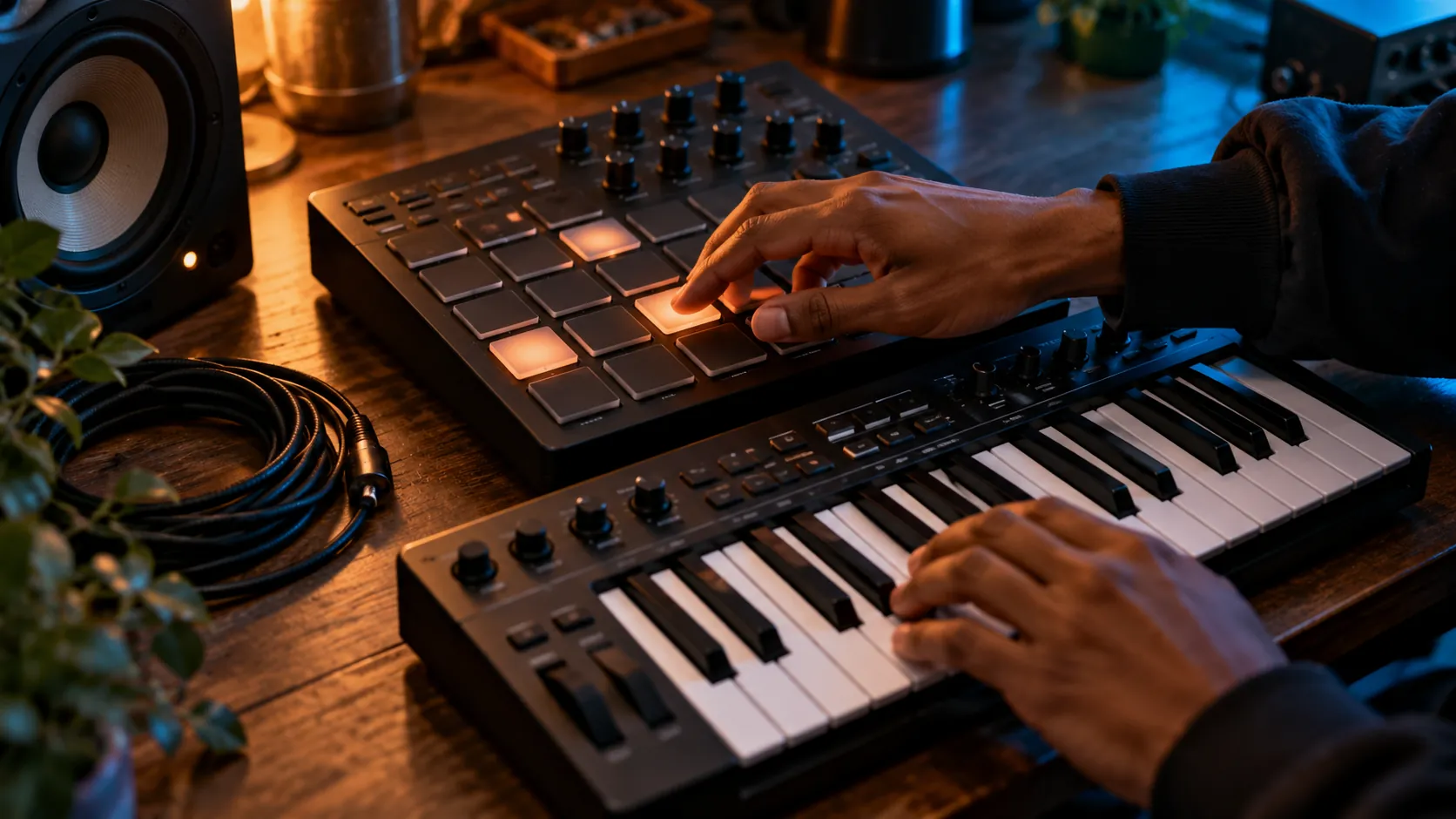
Instagram & social feeds
Make a square moving cover for a release announcement. Use the same artwork so people recognize the song from post to post.
1:1A recognizable release announcement
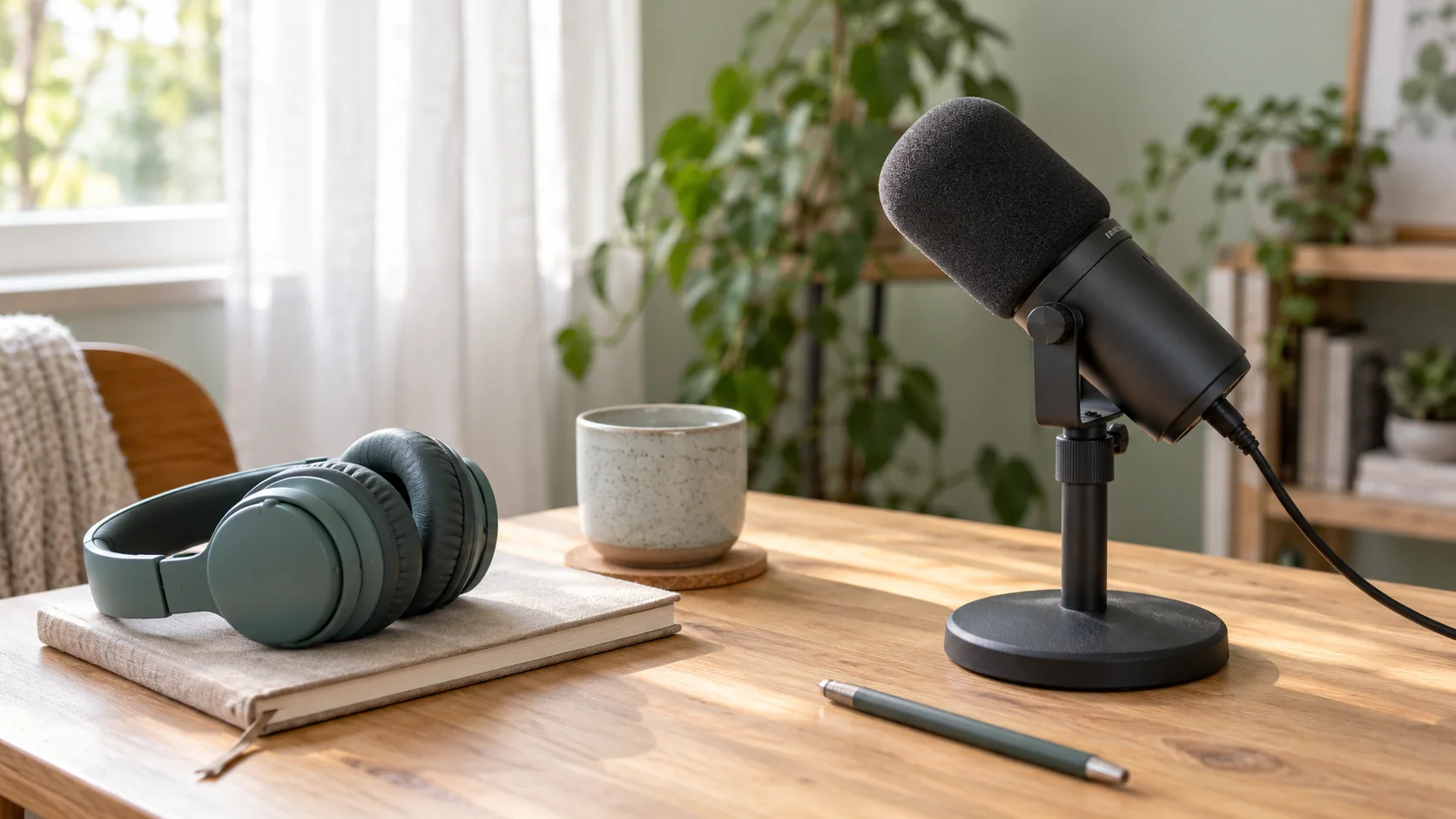
Producer portfolio
Turn an instrumental or game-music cue into a portfolio clip. Add your producer name or logo to connect the tracks in your collection.
16:9Beats, demos, and soundtrack cues
Podcasts & spoken audio
You can upload supported audio, including speech. Magma responds most clearly to bass and drum attacks; quieter tracks and speech produce more restrained motion.
9:16An audio-first episode preview

Ambient & lo-fi
You can upload supported audio, including speech. Magma responds most clearly to bass and drum attacks; quieter tracks and speech produce more restrained motion.
16:9Music for focus or a quiet break
Scene illustrations for inspiration. The playable examples above are actual exports.
Choose a hook or a longer passage, then shape the picture around it.
Upload MP3, WAV, or M4A, trim the passage you want to share, choose a style, and edit the look directly in the preview.
Choose your export settings, create the video, and download the finished MP4 to share.
Start with a teaser, share a longer version, then bring a different moment back to the feed.
Before release9:16
Pick the chorus or drop for a short vertical teaser. Give listeners one moment to remember.
Release day16:9
Export a landscape version with your cover and song details for your music channel.
Keep sharing1:1
Choose another passage and make a square cut for the feed. Keep the same cover so the versions feel connected.
Load a design from your history, choose another passage or track, and adapt the frame for your next post. Keep your artwork and colors consistent across the release.
Make a built-in template your own, preview it with your track, and export a video for your next release.
A look that fits your sound
Adjust colors, backgrounds, and the strength of the motion to match the mood of your music.
Your cover, title, and identity
Bring in your cover art and logo, then add the song title and artist name for a recognizable release.
See the music before you export
Play your selected passage in the preview and see how the visuals move with the sound as you refine the design.
720p, 1080p, and 4K exports
Choose the resolution for your video and download an MP4 with your selected audio, ready to upload and share.
Get to know the effects, personalize your video, and find a starting point for your next release.
Upload your music, find its motion, and make a video you can share.