Slideshow Maker with Your Photos and Music

Audio

MP3, WAV, M4A · 100 MB · up to 10 minutes

Choose a clip from 3 seconds to 8 minutes.

Photos

0/60

1–60 JPEG, PNG or WebP · up to 10 MB each

Drag the handle below each photo to reorder.

Aspect ratio

Photos stay uncropped. Black borders fill the frame.

Photo transition cue
Visual settings
Response
Intensity
Lyrics (optional)

Upload LRC or SRT after adding audio. Timestamps follow the original audio; we trim and shift them to your selected clip.

LRC / SRT · up to 1 MB and 5,000 cues

3.0 s · 0 photos

Your videos

Your first video starts here

Add photos and audio on the left to start.

Your videos will appear here.

Your photographs, with a story people can watch

A photo slideshow maker gives still moments a shared sequence and a soundtrack. Bring the photos that matter, set their order and turn the collection into a video for a memory, a journey or a music release.

Real 30-second slideshow maker output: photos change every 5 seconds. AI-created portraits and original music accompany timed lyrics, a spectrum and countdowns.
  • Your story, in your chosen order

    Arrange up to 60 photographs into the sequence that belongs to the occasion. The slideshow maker follows your order, connecting individual pictures into a beginning, a middle and an ending rather than choosing the story for you.

  • Time to let each image speak

    The chosen music passage is shared evenly across the photos. That steady pace gives the collection a consistent rhythm; changing the passage length or image count changes the time each moment has on screen.

  • The whole photograph stays in view

    Photos fit completely inside the chosen frame, keeping their original proportions without cropping or stretching. Black borders fill unused space, so portraits and landscapes can appear in one slideshow without losing the edges of your pictures.

Use the slideshow maker in three steps

Bring the collection, set the sequence, then download the completed video.

  1. Add photos and music

    Upload your photos and recording. Keep the images you want in the finished collection.

  2. Arrange the sequence

    Reorder the photos, select the audio passage and ratio, then choose any optional overlays.

  3. Generate and download

    Check the quote, create the slideshow, then watch and download the MP4 from history.

A collection becomes more than separate pictures

People, places and small details can tell a story together. The slideshow maker brings your selected images and recorded music into one result, giving the collection a direction while leaving the creative choices with you.

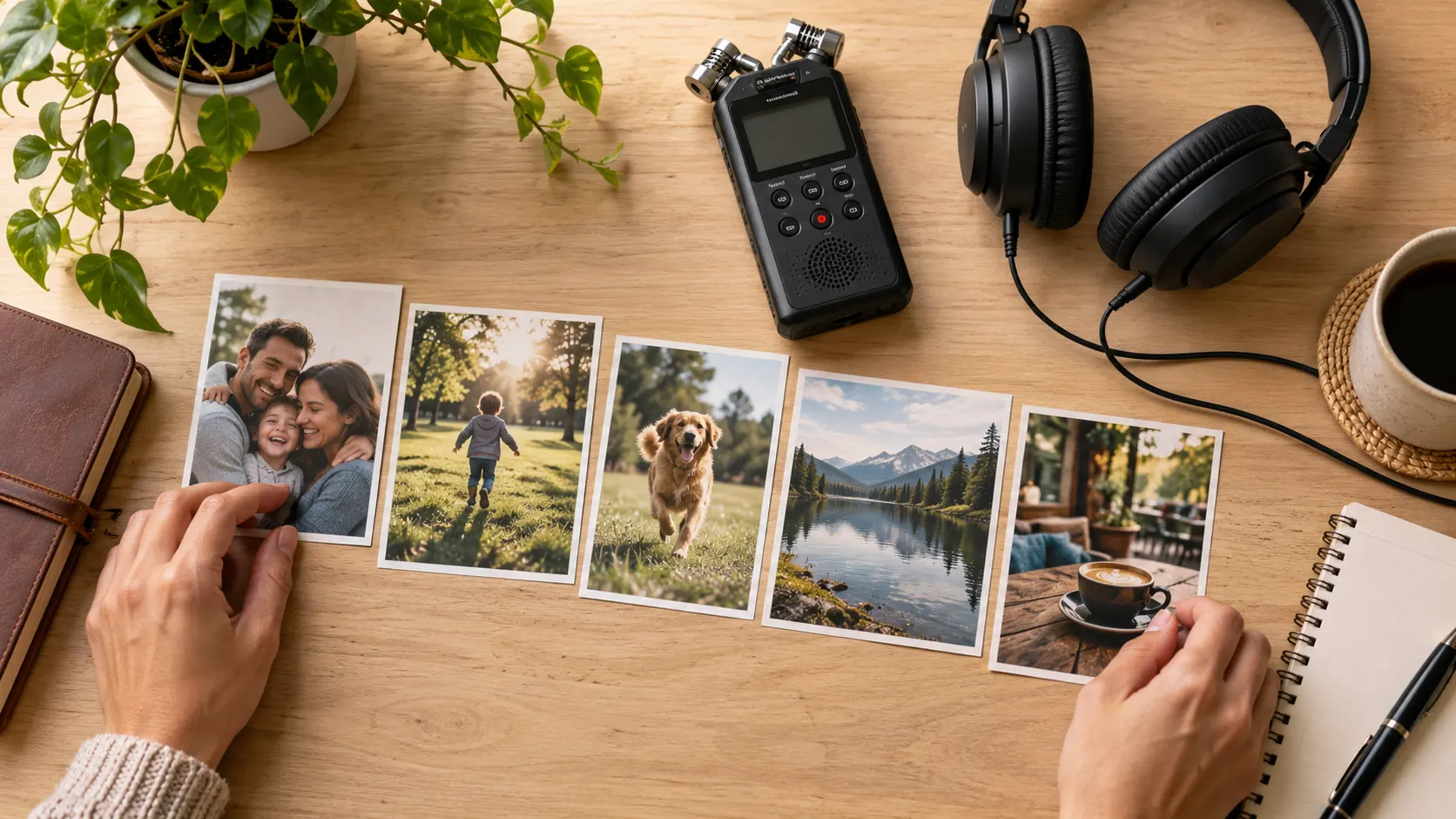
Preparation illustration: arrange personal photographs and an existing recording into a music-led sequence.
  • Moments connected into a story

    A wide view can introduce a place; a portrait or detail can bring the viewer closer. Your chosen sequence connects those perspectives, turning a collection of individual photographs into a video that can carry the feeling of an occasion.

  • A rhythm across the collection

    Each photo receives an equal share of the selected passage, with the estimated time shown before generation. Six images over 30 seconds give roughly five seconds per photo, making the pacing visible while you plan the collection.

  • Your music sets the atmosphere

    Use the slideshow maker with music or a voice recording you choose. A familiar tune can connect memories, while an original song can give artwork a musical setting. Your selected recording stays at the center, rather than being replaced by a generated soundtrack.

A consistent visual style from first photo to last

Choose the frame and the way the collection flows. The slideshow maker combines your photo sequence, short fades and selected audio into a finished composition, letting the pictures remain the main visual subject.

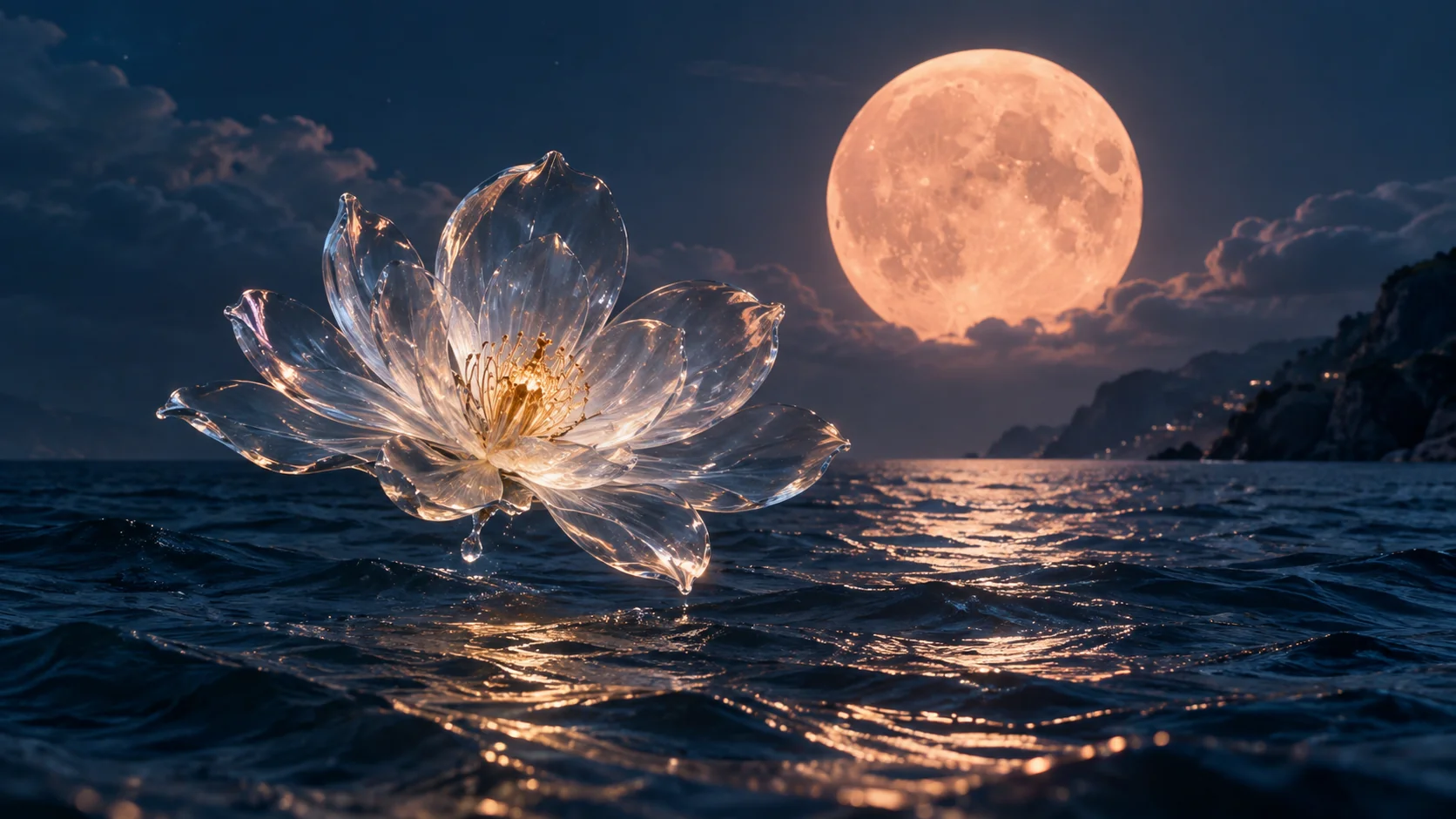
Real 20-second night-photo video with a spectrum, text, timed lyrics and countdowns.
  • An order that reflects your idea

    Drag-and-drop and arrow controls let you arrange the sequence before rendering. Your photos can follow a journey, an event or a visual theme, with the same chosen order carried through to the finished MP4.

  • Gentle transitions between moments

    Short fades join the photographs while your audio continues. They give the collection a connected presentation without requiring you to construct every transition on a video timeline. The transition style is a fade, rather than a separate effect for each scene.

  • One collection, three output formats

    Choose 16:9 landscape, 9:16 portrait or 1:1 square in the slideshow maker. A common frame ties the sequence together; differently shaped photos remain complete, with black borders wherever their proportions leave space.

Keep it simple, or let the music show

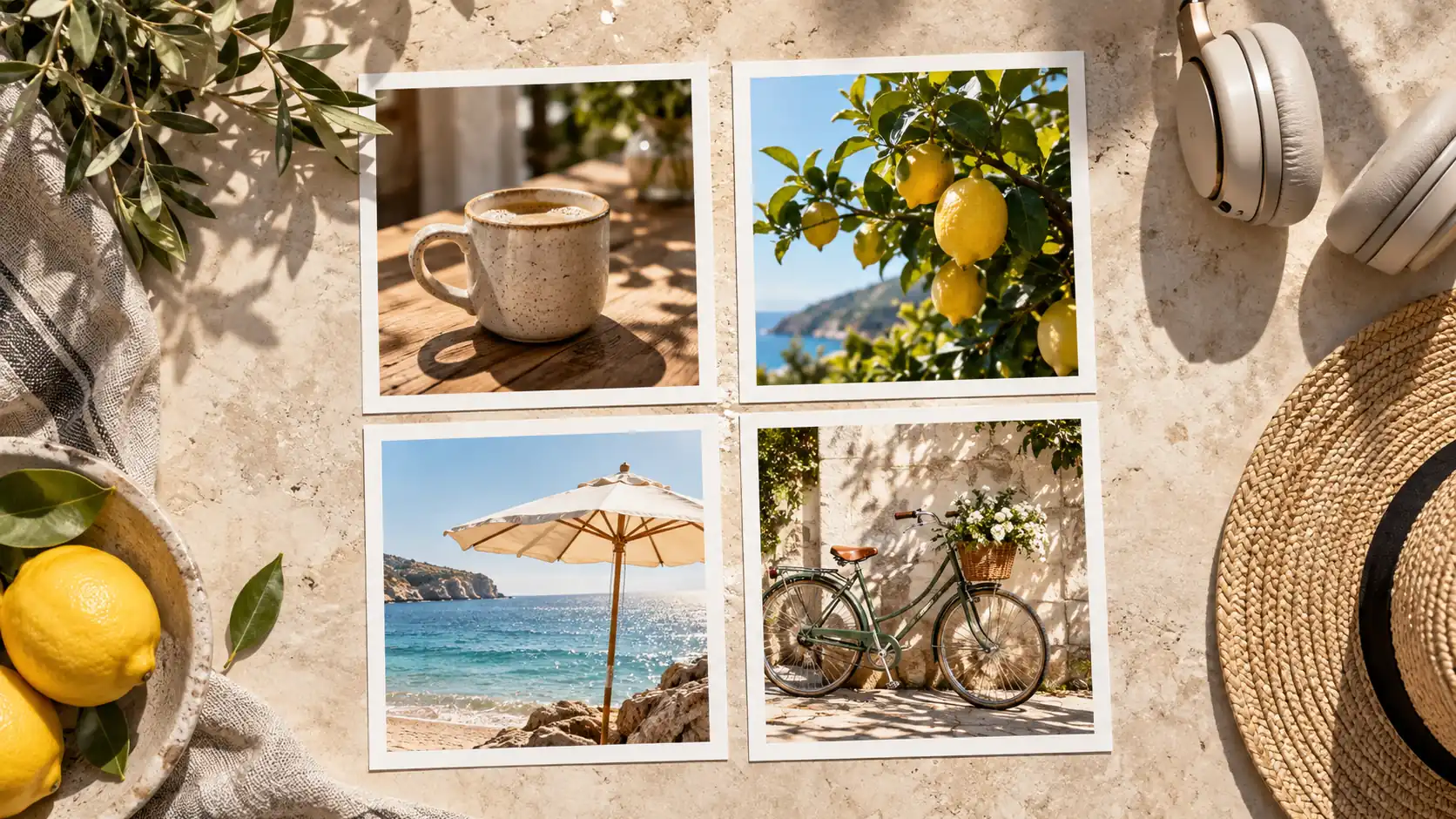
The same photos and recording can have a clean look or added visual layers. These two real coastal examples show how words, a spectrum and photo-index progress change the presentation while the collection stays the subject.

Photos and music

With lyrics, spectrum and photo-index progress

Two real 15-second coastal videos with the same photographs and music: clean and with optional visual layers.

Text that gives the collection context

An optional title and subtitle introduce the occasion, song or theme. Up to 100 title characters and 240 subtitle characters give you room for useful context, so the viewer can connect the photographs to the story behind them.


A visible response to the music

An optional spectrum adds movement to a still-photo sequence. Smooth, balanced and punchy response settings, with three amplitude levels, let you choose the character of that movement. The slideshow maker also works with the spectrum turned off.

Words and progress alongside the images

Timed LRC or SRT lyrics can add the sung words to the photo video. A configurable countdown can announce an approaching photo change, giving the sequence another visual cue when that style suits the collection.

A first try, a clear format and a known cost

The slideshow maker shows the quote before you submit. Bring compatible files, choose the passage you want to show and know which video format you will download at the end.

Your images and recording

Use 1–60 JPEG, PNG or WebP images up to 10 MiB each and MP3, WAV or M4A audio up to 100 MiB and 10 minutes. Choose a video passage from 3 seconds to 8 minutes; optional LRC/SRT lyrics support 1 MiB and 5,000 cues.

A 1080p MP4 ready to download

Export at 24 fps in landscape 1920 × 1080, portrait 1080 × 1920 or square 1080 × 1080. The slideshow maker produces a downloadable video for your own publishing workflow; the photographs keep their original detail within that output.

One trial, then 1 Credit per second

Each account gets one slideshow maker trial up to 60 seconds. Technical failures restore the trial. Later renders cost 1 Credit per rounded-up second; a 90-second video costs 90 Credits. Optional AI artwork is charged separately at 1 Credit per image.

Take the collection beyond your camera roll

AI-created illustrations show photo-and-music scenarios, rather than exported videos or customer projects. Use the slideshow maker for a personal collection or a music project, then download the MP4 and share it through your chosen channel.

Family moments · something to watch together

Family moments · something to watch together

Turn selected photographs of a birthday, a gathering or another shared occasion into a video. Your order and chosen soundtrack connect the moments, creating one file you can play for family or keep with the original collection.

Travel memories · a journey in pictures

Travel memories · a journey in pictures

Places, people and details can become a visual route through a trip. The slideshow maker connects the photos with your chosen music and carries more of that experience than one isolated image, and the downloadable video can be shared after the journey.

YouTube · a visual home for your music

YouTube · a visual home for your music

Use the slideshow maker to pair an original song passage with portraits, artwork or a themed collection. Landscape output gives the photographs a wide stage, while the optional spectrum makes the music visible. A single cover image is supported when one picture tells the story.

TikTok and Reels · a short photo story

TikTok and Reels · a short photo story

Choose a portrait output for a collection you want to introduce in a short-video feed. The slideshow maker brings the images and selected music into a vertical MP4, ready to download and upload yourself as a compact visual story.

A music release · imagery with its own mood

A music release · imagery with its own mood

Use your photographs or optional AI-created artwork to establish a visual setting for the song. Generated images can be arranged like uploaded pictures; artwork generation costs 1 Credit per image and is separate from the video render.

Instagram · a collection in one square video

Instagram · a collection in one square video

A 1:1 photo sequence can bring several moments into one post. Add a short title or keep the pictures clean, then use the exported MP4 to share the collection alongside the music or voice recording you chose.

Slideshow maker questions

Short answers to help you choose the right workflow.

When the words should lead

Choose another visual focus when your project needs more than a photo sequence.

Let your photo collection become a video

Bring your pictures and the music that belongs with them. Arrange the story, choose a visual style and use the slideshow maker to create a video you can keep or share.