Make the words easy to follow
Player keeps surrounding lines in view; Focus highlights the current phrase. These lyric video maker styles give the words a clear place in songs built around their meaning.

Add a song to get started.
Cover and player layout
This sample stays in 16:9. Your video will use 16:9.
Five-second sample with default settings. Add your song and lyrics to preview your own video here.
This lyric video generator brings your recording together with animated words, artwork and music-responsive movement. Turn a listening experience into a video people can watch, follow and share.
Your song takes the lead
Keep your own recording and put its lyrics on screen. The lyric video maker brings your voice, words and chosen style together without requiring a filmed performance.
Animation with a musical feel
Choose scrolling lyrics, current-line focus or expressive typography. Available music-response controls give your chorus a visual rhythm, with the words at the center of the picture.
A finished video to share
Download a 1080p MP4 in landscape, portrait or square. Share a song release, a chorus preview or a social post in a format that suits your audience.
A short creative workflow, with your song at every step.
Upload your MP3, WAV or M4A and choose a whole song or the passage you want to feature.
Import timed lyrics, or add words and prepare their timing. English recognition can provide a draft for review.
Choose a template, colors and output ratio. Preview the words with your music before rendering.
See the trial or credit quote, generate your video, then download the finished MP4 from history.
Start with prepared words or an English draft. The lyric video maker gives you several routes to the same result: your lyrics alongside your recording.
Your prepared lyrics, ready for animation
Import LRC or SRT to bring existing timing into your project. Prepared lyrics become animated text, leaving more of your creative attention for the look of the song.
Your words stay yours
Paste your lyrics or use supported words embedded in the audio. Keep your own wording and repeated choruses, then prepare timing in the same lyric video maker workspace.
An English draft to build on
English recognition provides a draft when the words are not ready. It costs no Credits and has no daily recognition-count limit; review the words and timing before rendering.
Explore lyric video templates for calm reading, animated typography or scenes with depth and atmosphere. These six real examples use the same music and timing.
Player
Focus
Classic
Sonnet
Diorama
Aurora
Player keeps surrounding lines in view; Focus highlights the current phrase. These lyric video maker styles give the words a clear place in songs built around their meaning.
Classic, Sonnet and other typography templates make the lyrics part of the animation. Moving words and changing compositions give an expressive chorus a visual performance of its own.
Diorama adds spatial depth; Aurora surrounds the words with color and movement. Give the recording a visual atmosphere that belongs to its mood, from quiet verses to energetic hooks.
A lyric video maker lets you choose what listeners see as they hear the words. Compare the two real treatments below: clear line emphasis and animated word movement.
Put each phrase in focus
Current-line emphasis gives the sung phrase a clear visual place. In an intimate verse or a song built around its message, the words lead while the recording carries the emotion.
Bring energy to the words
Word-driven typography makes a repeated hook feel animated. The lyric video maker preview plays the movement with your audio; exact word timing depends on your supplied lyrics and timestamps.
Keep creative control
Preview styles and edit line timing before rendering. Ready-made animation and an editable timeline let you shape the presentation without building every text effect from an empty video project.
Keep a recognizable look across a release and its shorter previews. Your colors and artwork give the lyric video maker templates a connection to the song behind them.
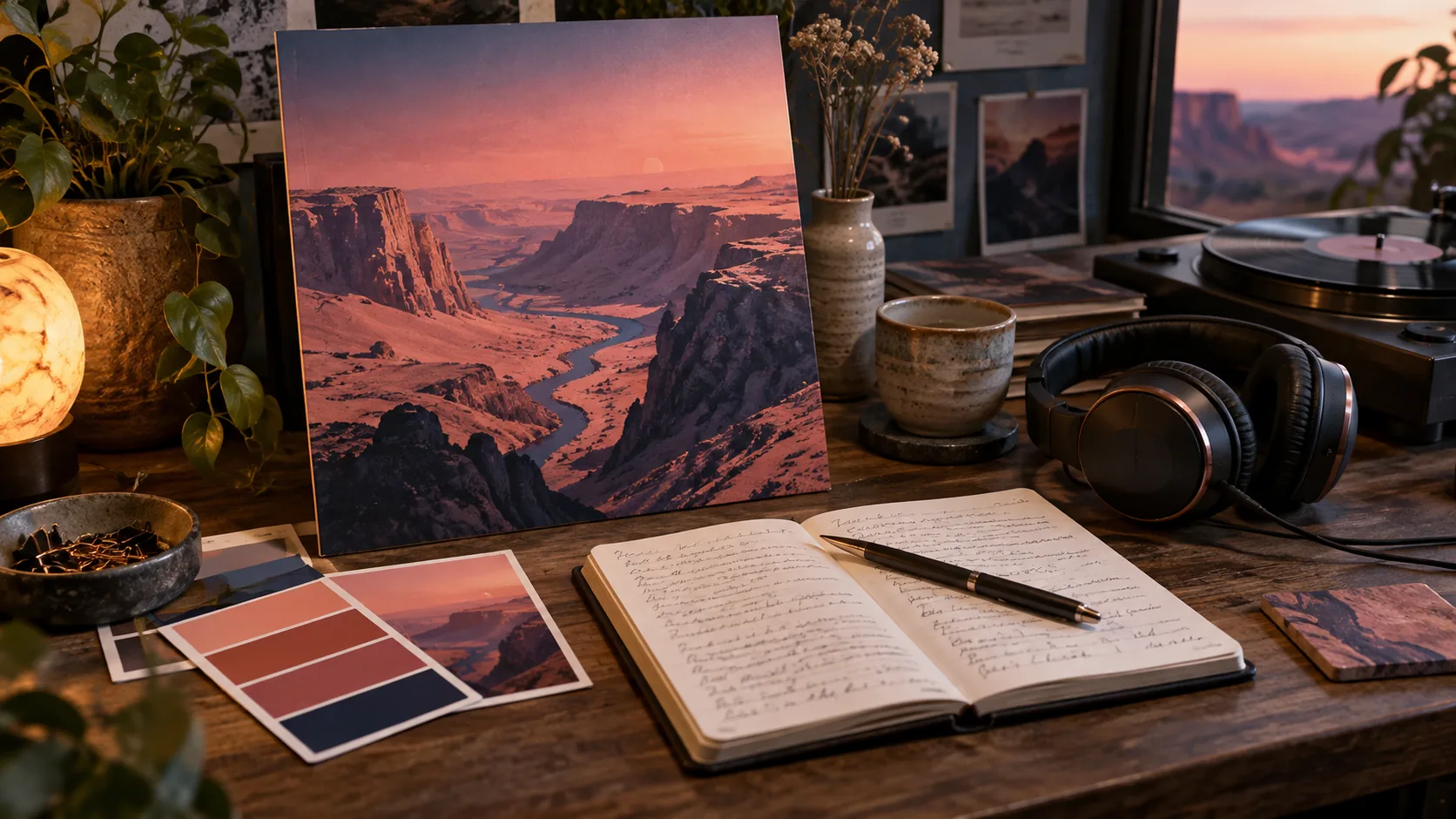
Colors that fit the release
The lyric video maker’s available background and accent controls connect the video to your cover palette. Carry a consistent look from a full song to its shorter previews.
Your cover, part of the picture
Add your own image in artwork-compatible templates, or create an optional AI cover for 1 Credit per image. Give the title and lyrics a visual identity listeners can recognize.
Movement that suits the mood
Available motion and music-response controls let you fit the presentation to the recording: an active chorus or a quieter verse centered on its words, with your original sound.
Export from the lyric video maker, then upload the MP4 to your chosen platform. AI-created scenario illustrations show publishing ideas; select the output ratio for your own project.

Give a release or featured passage a landscape lyric video. The 16:9 frame leaves room for words and artwork, creating a visual version of the recording without a video shoot.
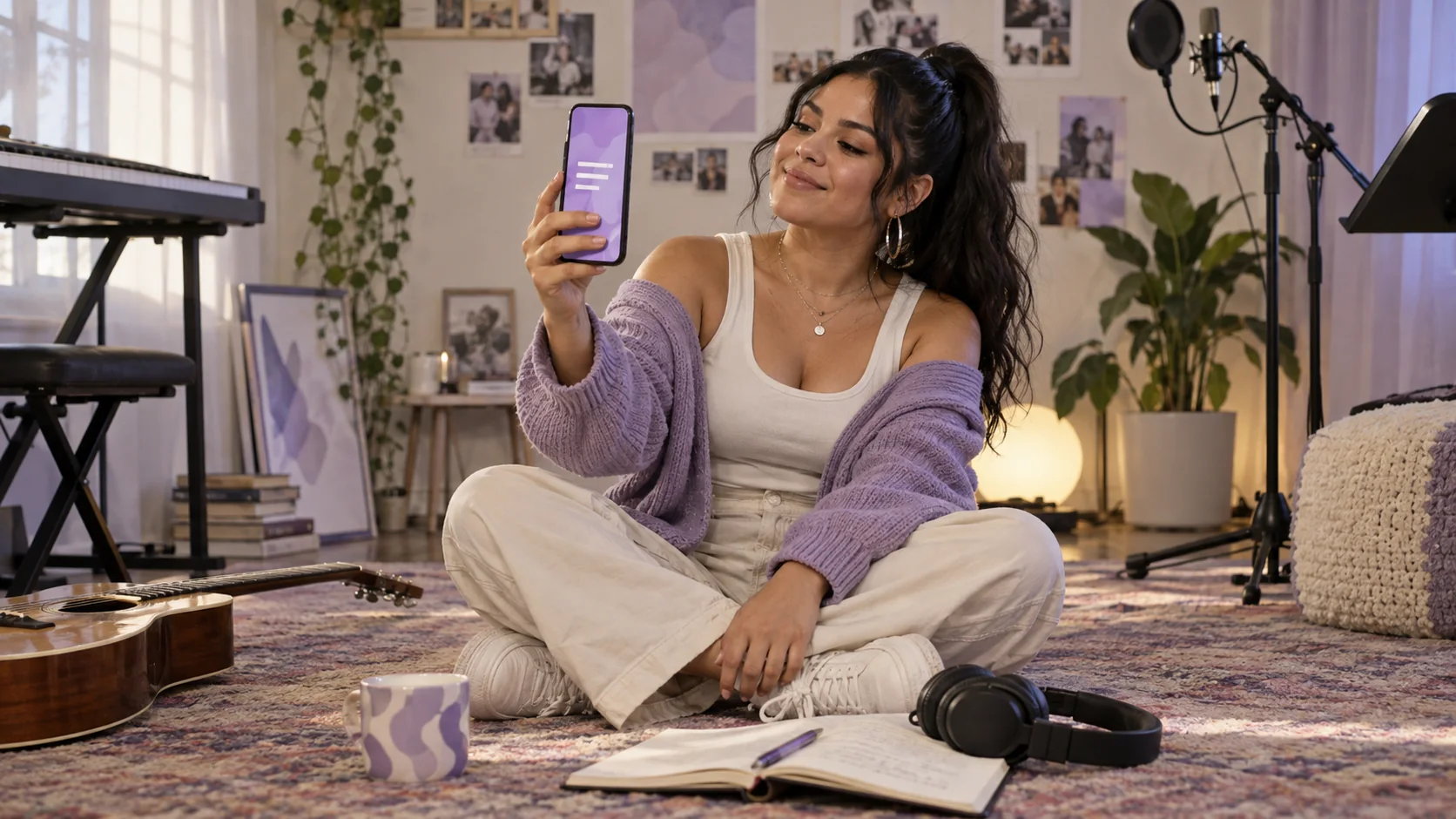
Turn a memorable chorus into a portrait clip for a short-form feed. A 9:16 export gives animated lyrics a vertical stage alongside the sound of your song.
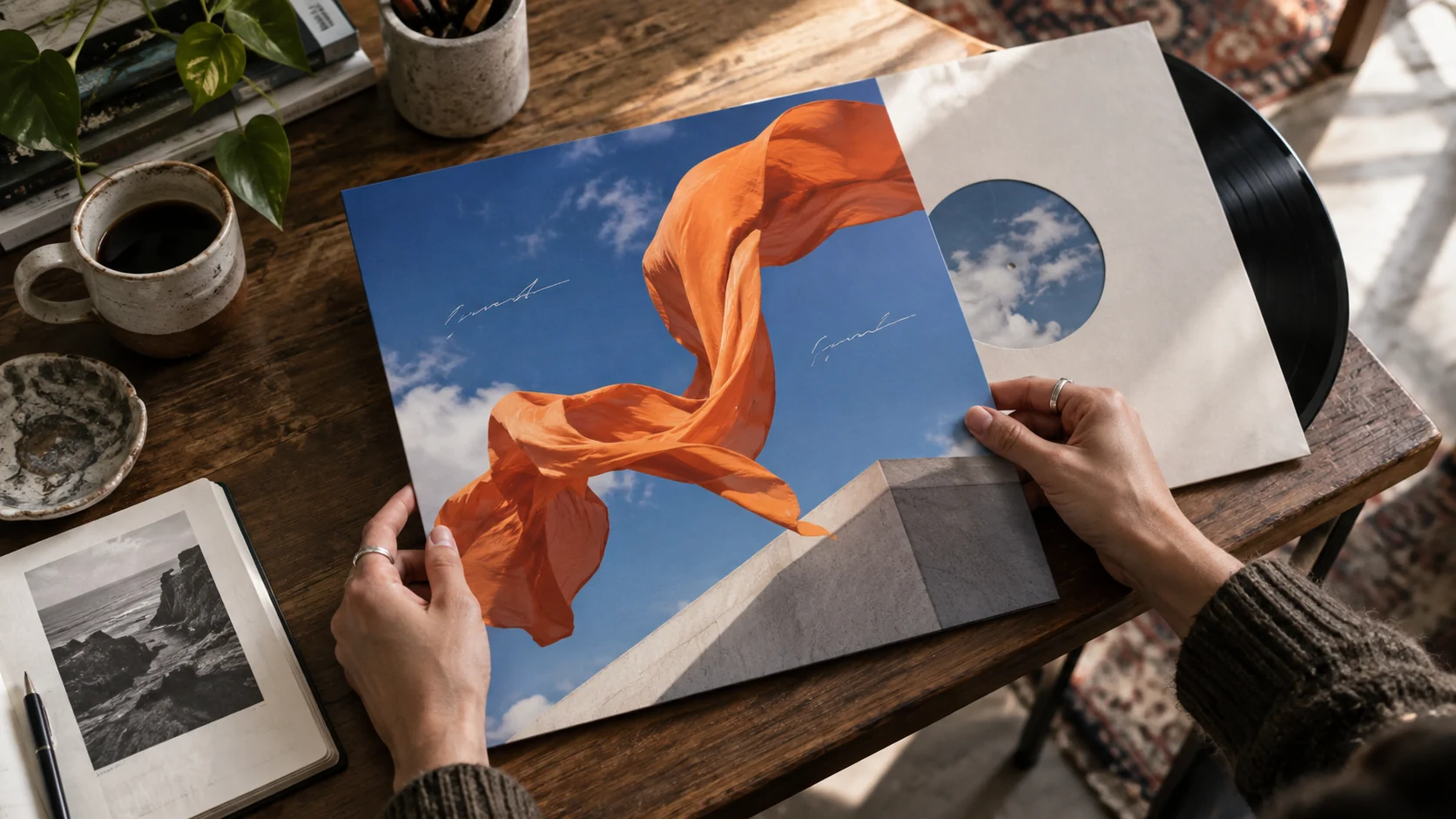
Make a square lyric excerpt for a feed post. Pair a memorable line with your style and supported artwork, then use the downloaded 1:1 MP4 in a release announcement.
Know what you can bring, what you will download and what rendering costs. The lyric video maker shows the quote before you submit.
Upload MP3, WAV or M4A up to 100 MiB and 10 minutes long. Render a passage from 3 seconds to 8 minutes, with up to 50,000 lyric characters and a usable timeline for the selected audio.
Export at 24 fps in landscape 1920 × 1080, portrait 1080 × 1920 or square 1080 × 1080. The lyric video maker produces a downloadable video file you can use in your own publishing workflow.
Each account gets one lyric-video trial up to 60 seconds. Later renders cost 1 Credit per rounded-up second; technical failures restore the trial. Paid plans unlock all 19 templates, while free accounts have a selection.
Choose the right source, timing method and trial for your song.
Bring your recording and words to the lyric video maker. Choose a look that feels like your music and turn your first passage into a video.