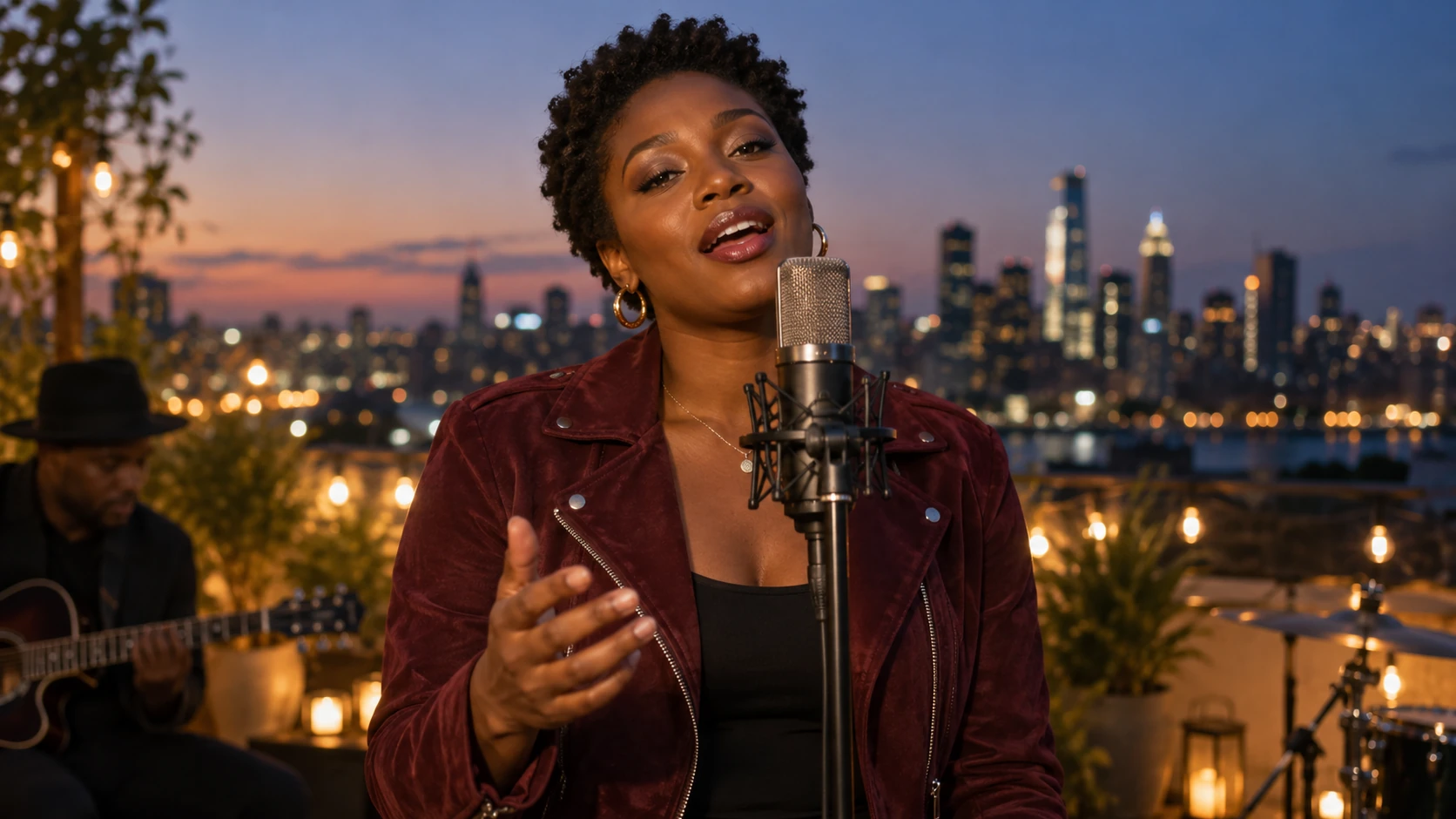
Original song releases
Give your original song a visible performer for a YouTube music release. Pair a chosen portrait with a chorus or verse, then combine the downloaded landscape clip with your cover art or other footage in your own edit.

Choose a character and add audio on the left.
Your videos will appear here.Use Lip Sync AI to make a photo sing to your song or create a talking photo with your own recording. Give a still portrait a performance viewers can see, without filming a person on camera.
Real generated examples use AI-created portraits and original songs. English captions are available in each player.
Choose your inputs, set the passage, then review the finished take.
Select a saved character, upload your photo, or create a character in the library.
Upload your recording. Set the start and end around a complete phrase.
Set the framing and direction, check the quote, then generate and download.
Start with a portrait that belongs to your project. Lip Sync AI connects the image to your recorded voice, giving an original song or spoken message a visible character rather than a static cover.
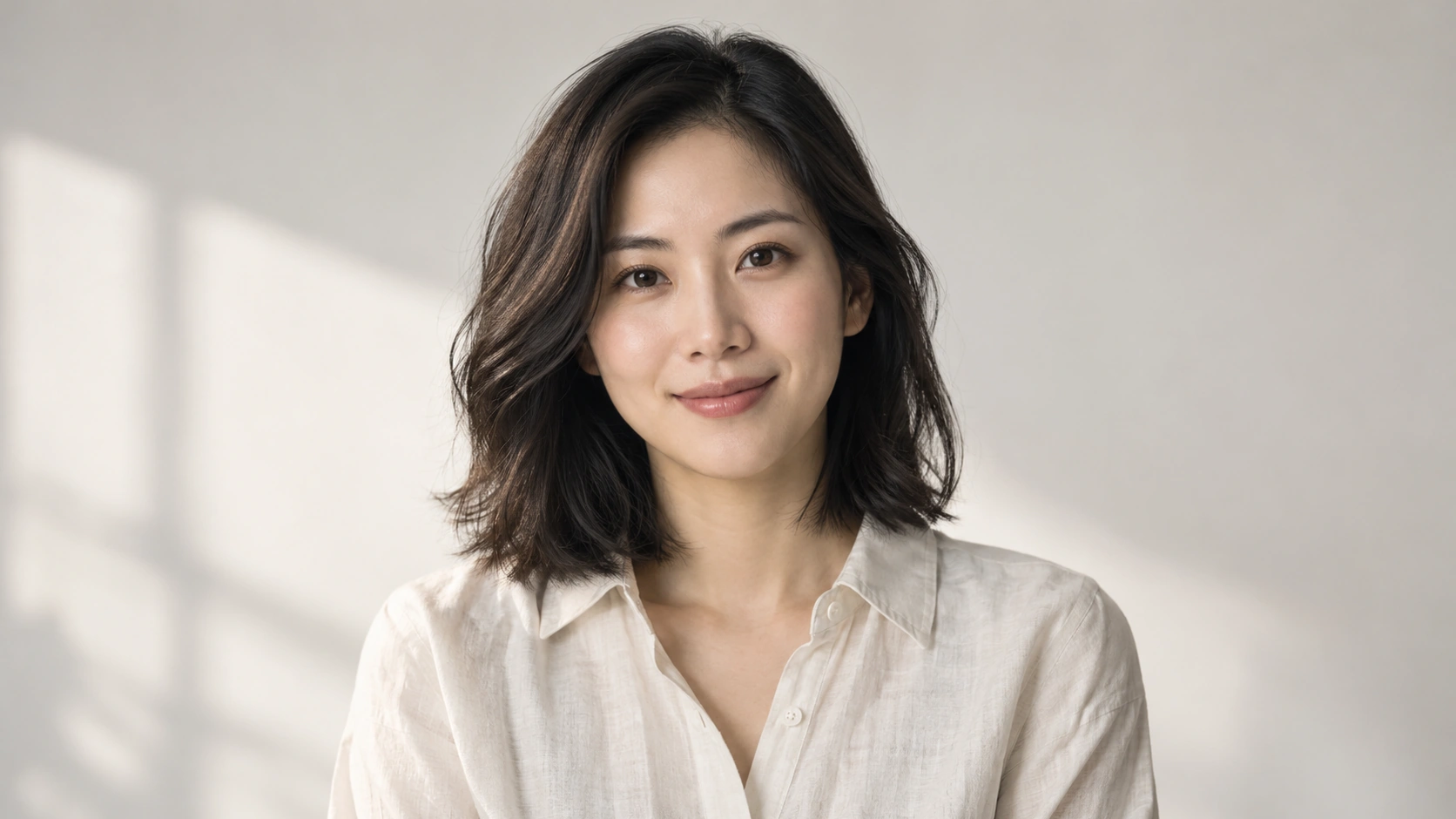
A performer from a still image
Upload your own portrait or choose a character you have saved. Lip Sync AI uses that single image as the starting point for a moving performance, so a photograph can take a role in your music or message.
A frame for the way you share
Portrait and landscape layouts give the same idea different visual settings. A close vertical face can lead a short clip; a wider frame can leave more room for the character's surroundings in a longer edit.
A character you can return to
Saved portraits stay available in your character library. Reuse the same starting image for another song, an alternate passage or a recorded greeting, keeping a recognizable character across the different videos you choose to create.
The voice and musical phrasing come from the audio you bring. Lip Sync AI pairs that delivery with the selected face, keeping the recording at the center of the performance rather than inventing a different voice.
A song with a visible singer
Bring the version of your song you want the audience to hear. A chorus, a verse or a closing phrase becomes material for a character performance, with your recording supplying the words and their musical delivery.
A talking photo for your own voice
A recorded greeting or introduction can give a portrait something to say. Lip Sync AI uses your existing speech, making the result useful for a character message while keeping your chosen words, tone and natural pauses in the audio.
A passage that fits the project
Choose the part of the recording that matters to the video. A short hook can stand alone as a preview; a longer passage can hold a performance. Selected clips run from 3 seconds to 8 minutes within audio up to 10 minutes.
Expression and visible movement give the voice a presence. Lip Sync AI combines your portrait and audio with a performance direction, so the resulting character can support the feeling of a song or a spoken line.
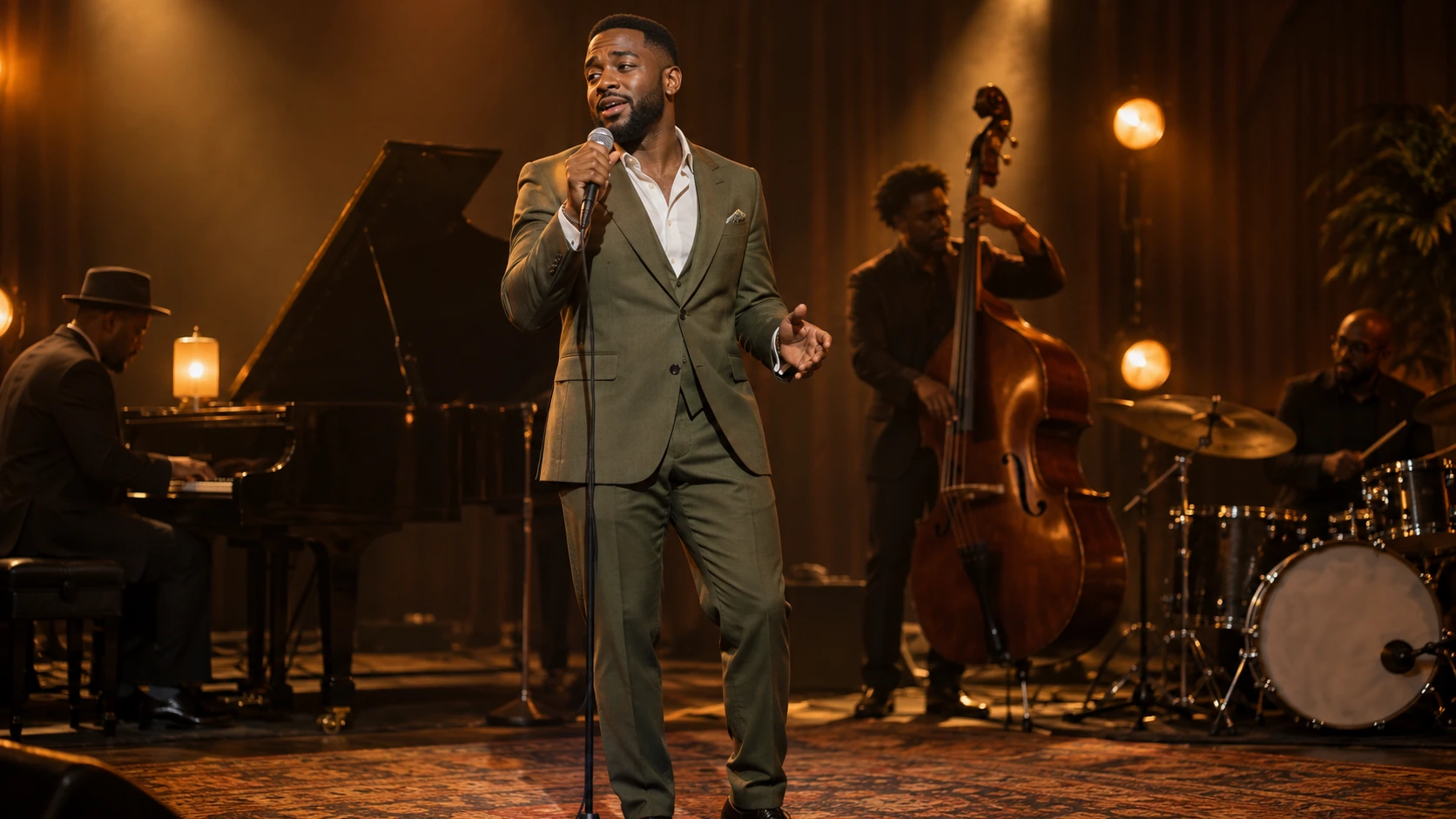
Expression alongside the voice
Facial movement can accompany the changing phrases of the recording, from a quiet line to a more energetic hook. The real examples show different voices and moods, giving you a way to see the kind of performance this workflow creates.
A mood for the moment
A gentle expression or restrained movement can suit an intimate recording; a brighter direction can suit a lively chorus. The audio provides the delivery, while your visible direction helps describe the presentation you want from the character.
Direction without building an animation
A performance prompt of up to 500 characters lets you describe visible behavior, such as gentle head movement or a calm expression. Lip Sync AI renders a take from those inputs instead of asking you to animate individual facial positions.
The same starting portrait can connect several pieces of a project. Lip Sync AI gives you separate downloadable takes, making a character useful beyond one recording while leaving the original inputs available for your next creative choice.
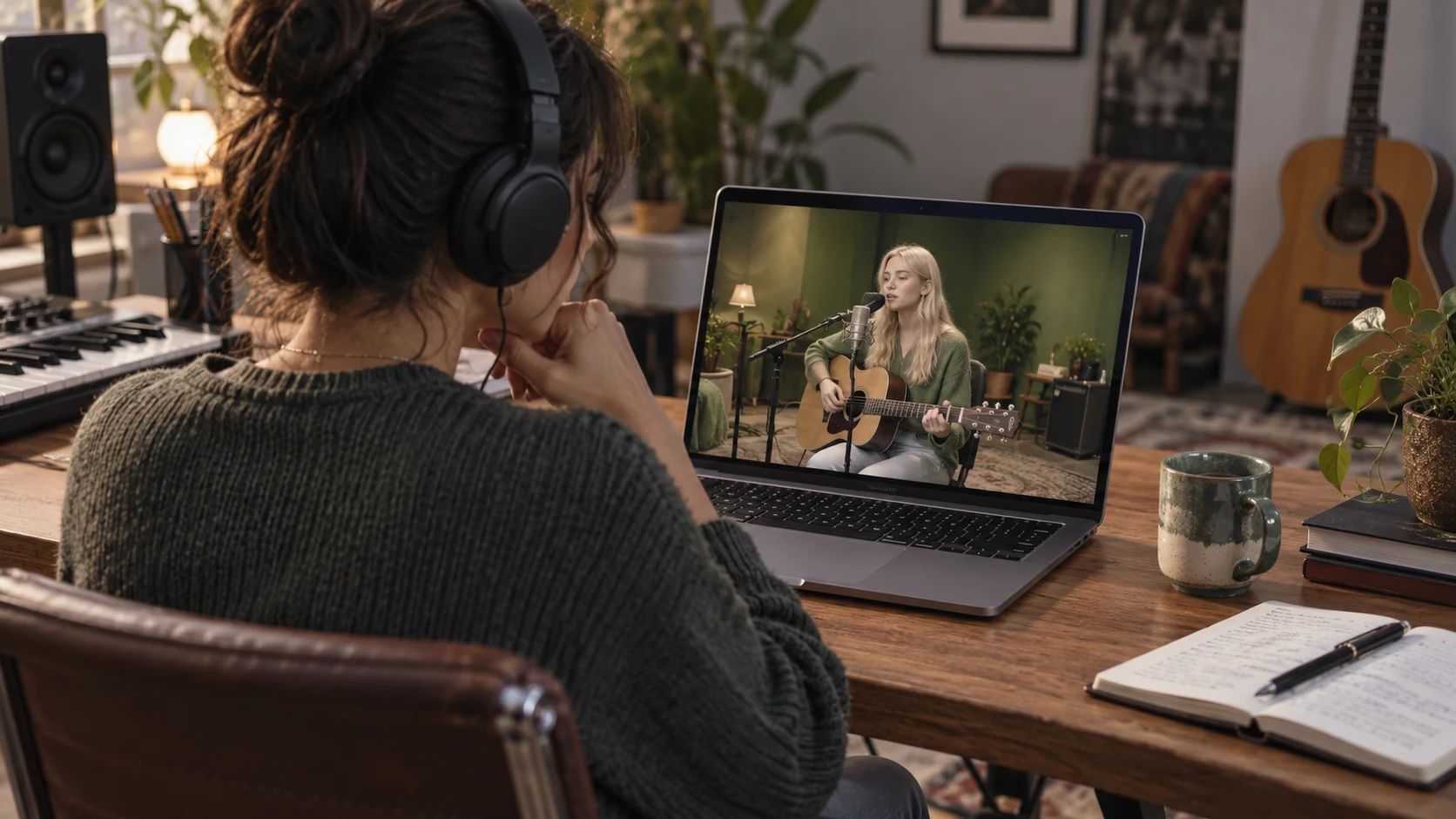
A recognizable starting face
Return to a saved portrait for another passage or a different recording. Keeping the same source image gives the project a consistent visual starting point; the generated movement varies with each take.
Different roles for one character
A fictional singer can perform one song and later speak a recorded introduction. The library connects those projects through the portrait, while each Lip Sync AI video uses its own supplied recording, selected passage and performance direction.
A clip for a larger production
Download the MP4 and place it alongside photographs, titles or other scenes in your own edit. A character performance can become one moment in a release video or story without requiring this tool to build the entire production.
AI-created illustrations show different uses for fictional performers, not video outputs or customer projects. Download the Lip Sync AI MP4, then upload it yourself or use it in your own editing workflow.
Give your original song a visible performer for a YouTube music release. Pair a chosen portrait with a chorus or verse, then combine the downloaded landscape clip with your cover art or other footage in your own edit.
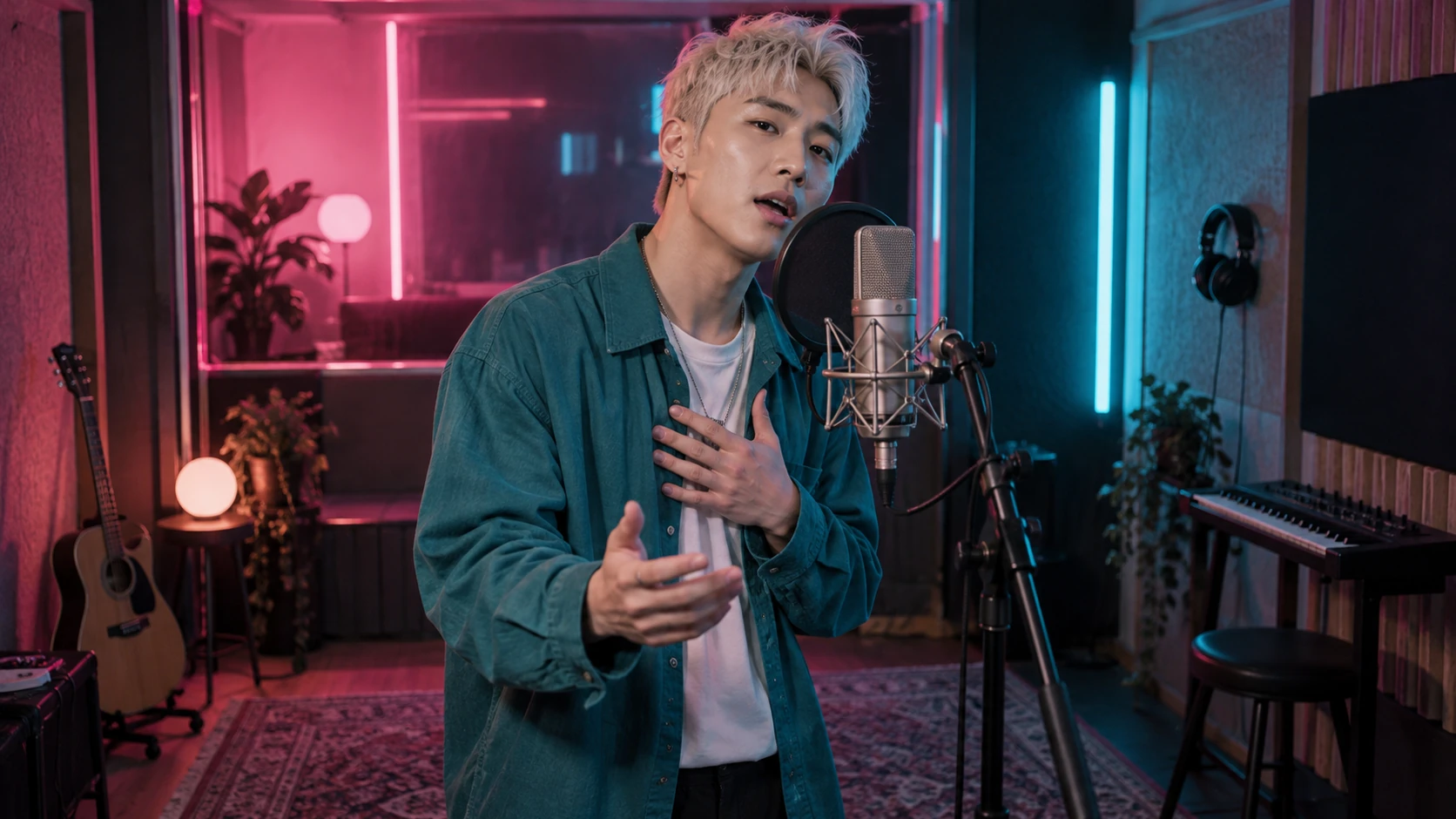
Introduce a new track with a memorable hook for TikTok, Reels or Shorts. Lip Sync AI turns the selected recording into a portrait performance clip, giving your music preview a face before you download it and publish it yourself.
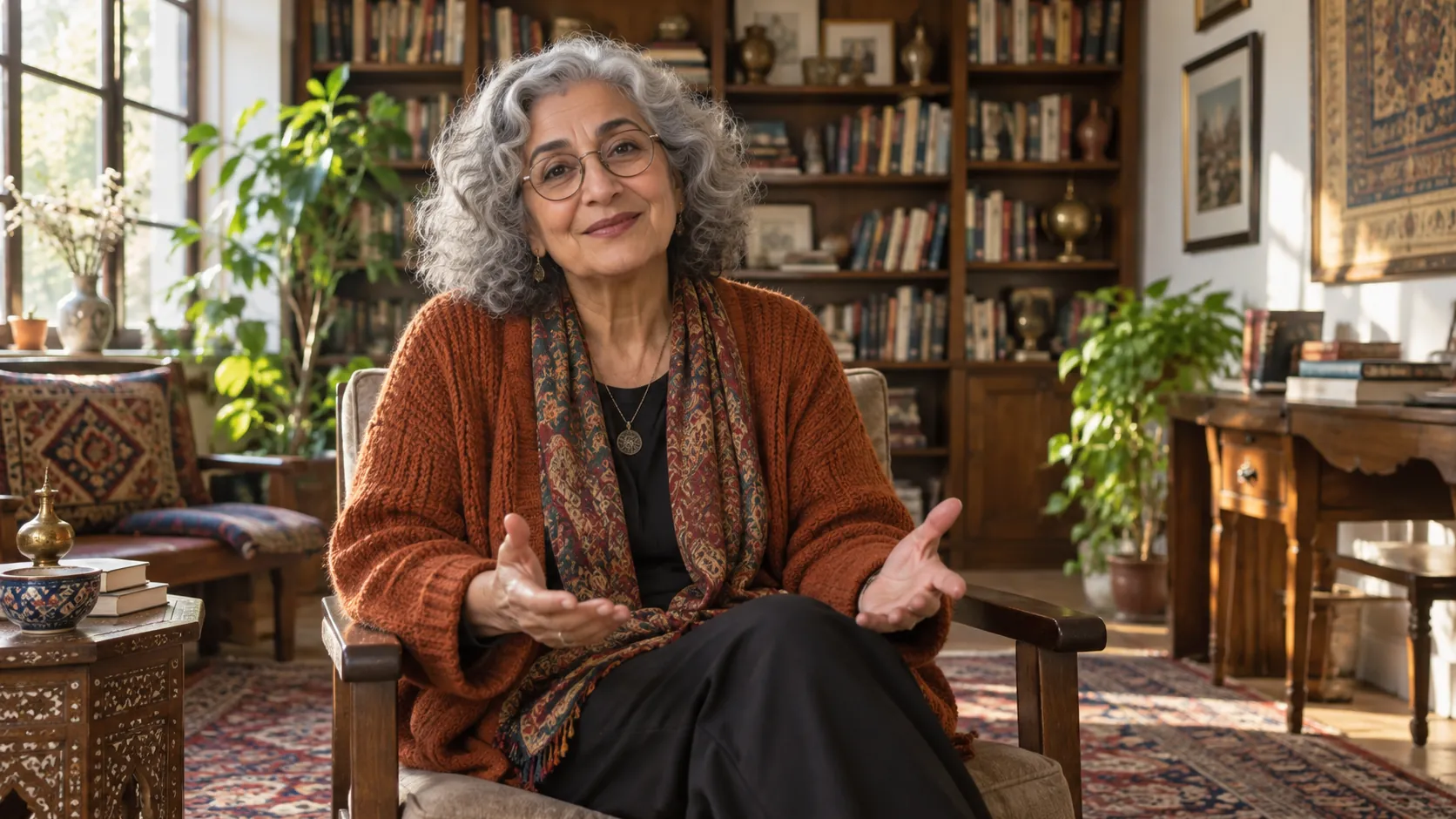
Welcome viewers to a project, creator profile or fictional world with a character who speaks. Your recorded introduction supplies the message and tone; a chosen portrait makes the greeting visible, ready to place on your page or in an introductory video.
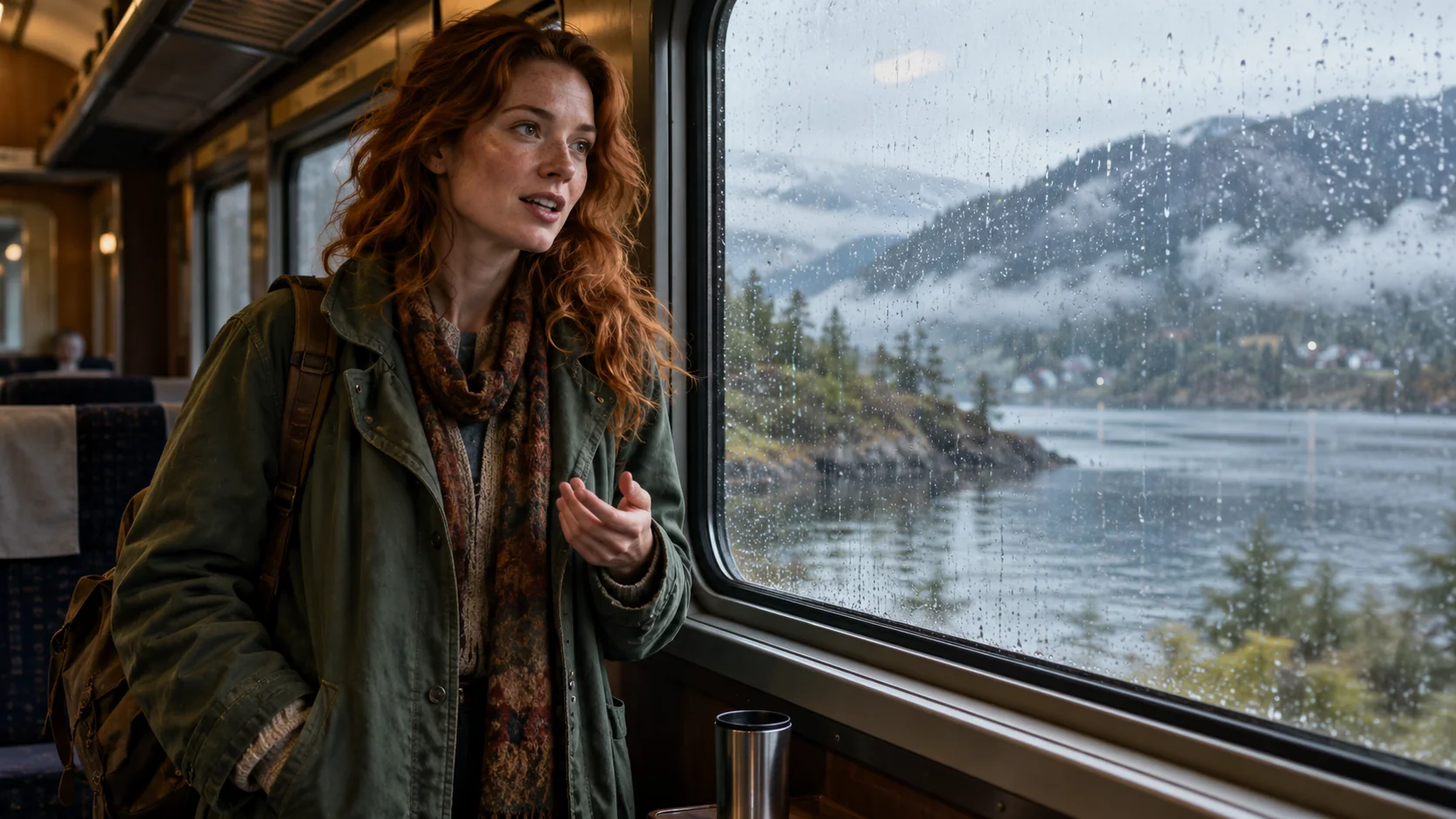
Give a character a spoken moment in a short film, narrated story or music-led sequence. Use your own recorded dialogue or sung line, then combine the downloaded performance with your other scenes to help viewers connect a voice with a face.
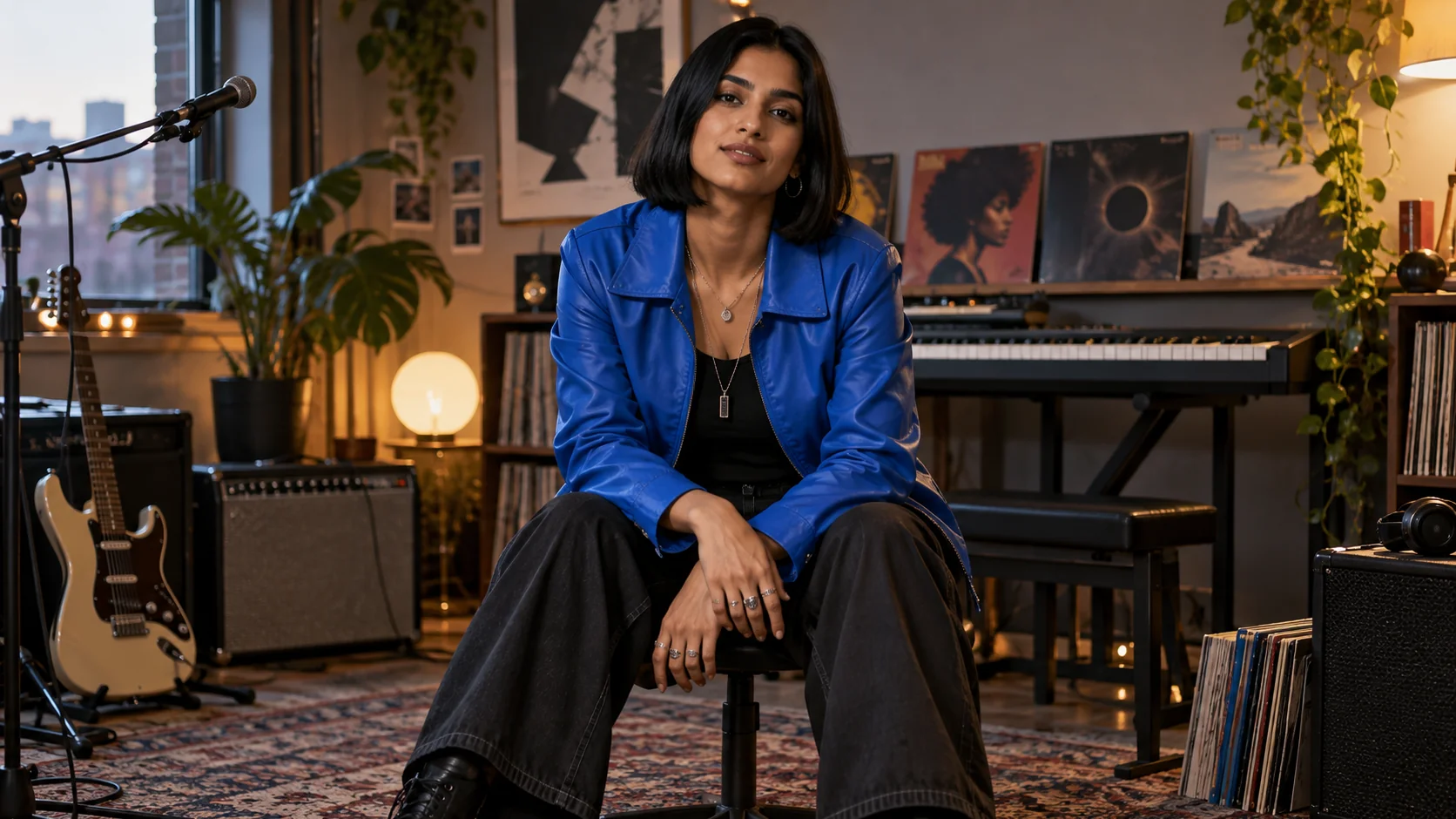
Introduce the next episode, song or project update through a recurring fictional host. Start with a saved character and a fresh recording so each announcement has new words while your audience sees the familiar visual identity across the series.

Turn a personal recorded wish into a greeting with a fictional portrait, for a birthday, holiday or family celebration. Keep your own wording and delivery, then download the talking or singing clip to send privately or add to a celebration video.
Check the input and cost that matter for your project.
Bring a portrait and the voice you want people to hear. Choose a passage, shape the expression and use Lip Sync AI to turn that moment into a video you can share.